PostgreSQL MCP server
Give AI clients reviewed tools for PostgreSQL
Expose fixed, parameterized PostgreSQL queries as MCP tools from a hosted endpoint, with a practical read-only operating model.
- Published
- 2026-08-31
- Reviewed by
- Rachid
Direct answer
Direct answer
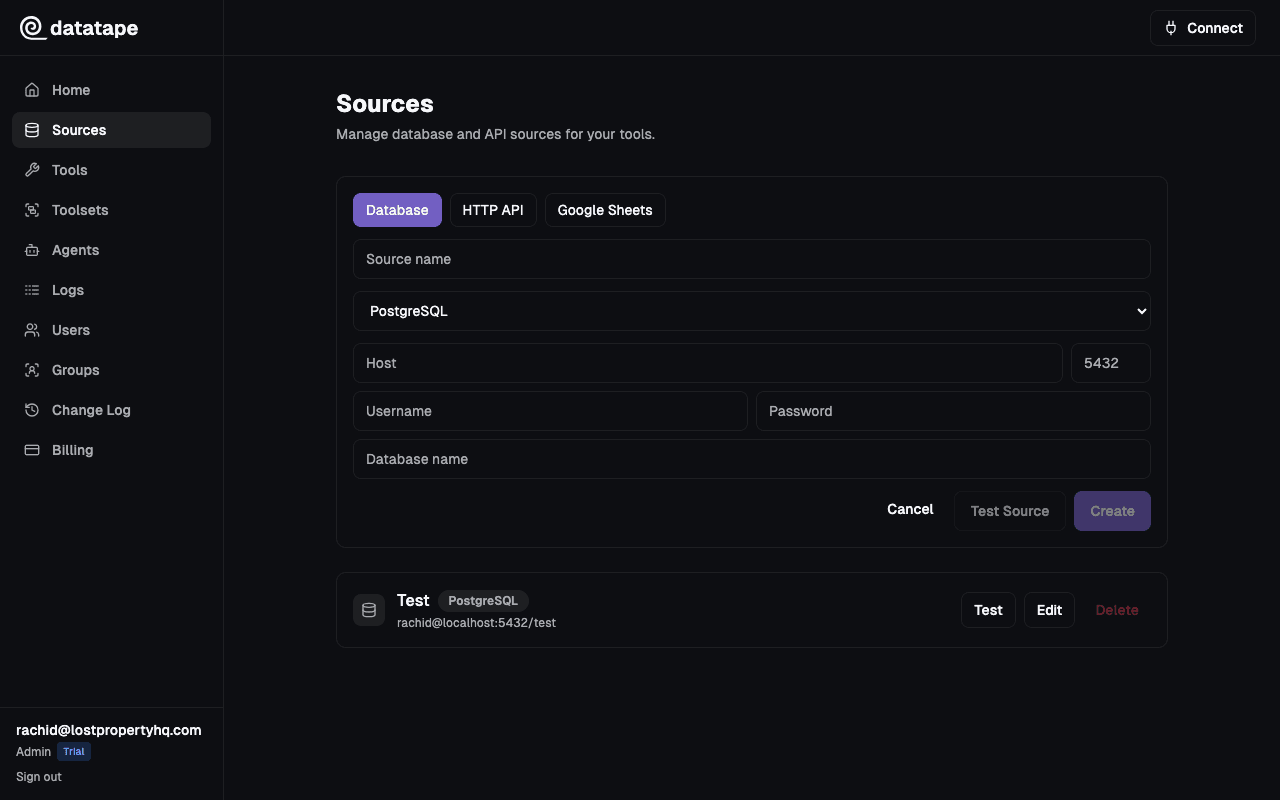
Use Datatape with PostgreSQL when the workflow is known in advance and should be shared safely: define the query, expose only the parameters an agent needs, test the result, and publish the tool. For ad hoc schema exploration, use a database-native client instead.
Best for repeated operational questions
A support assistant may need customer health, an incident summary, or a billing status. Those are stable questions with known inputs. Encoding each as a tool keeps the query logic out of the prompt and makes the interface understandable to both operators and clients.
When to choose another path
If an analyst needs to discover tables, compose novel joins, or iterate freely, a SQL editor or tightly controlled text-to-SQL environment is a better fit. Datatape’s strength is a reviewed contract for recurring work.
customer_health
Return the current health signals for one customer account.
- account_id
- string · required
SELECT account_id, plan, last_seen_at, open_incidents
FROM customer_health
WHERE account_id = {{ account_id }}
Returns: One account-level row with the fields the client needs to answer the workflow.
A practical operating model
MCP does not replace database security. Pair the tool contract with controls at the source.
Start with a read-only role
Create a dedicated PostgreSQL login with access only to the schemas and views these tools require. Database grants—not prompt instructions—are the enforcement boundary.
Keep parameters typed and narrow
Expose identifiers and bounded filters instead of accepting arbitrary SQL fragments. Test representative and empty results before publishing.
Review changes as interface changes
Treat a query or parameter edit like an API change. Re-test downstream expectations before making the revised tool available.
Client setup
Connect the clients your team already uses
The same hosted endpoint can be registered in multiple compatible clients. OAuth is the default human flow; agent API keys support non-interactive clients where headers are available.
Add the remote server from Settings → Connectors, then complete the browser authorization flow.
- Step 1Open Settings → Connectors and choose Add custom connector.
- Step 2Enter https://<org-id>.mcp.datatape.ai/mcp as the remote MCP server URL.
- Step 3Connect and finish authorization in the browser.
Client settings can change between releases. Verify the transport and authentication flow against the current client documentation.
Evidence
Sources and review
Written by Datatape Editorial. Product and technical claims reviewed by Rachid.
Continue