Snowflake MCP server
Publish reviewed Snowflake workflows as MCP tools
Turn selected Snowflake queries into parameterized tools on a hosted MCP endpoint and use them from multiple compatible AI clients.
- Published
- 2026-08-31
- Reviewed by
- Rachid
Direct answer
Direct answer
Datatape is a good fit when Snowflake is one part of a cross-source tool layer and the team wants fixed, reviewed queries. Snowflake’s managed MCP server is the stronger choice for Snowflake-native Cortex services and governance.
A cross-source option, not a Snowflake replacement
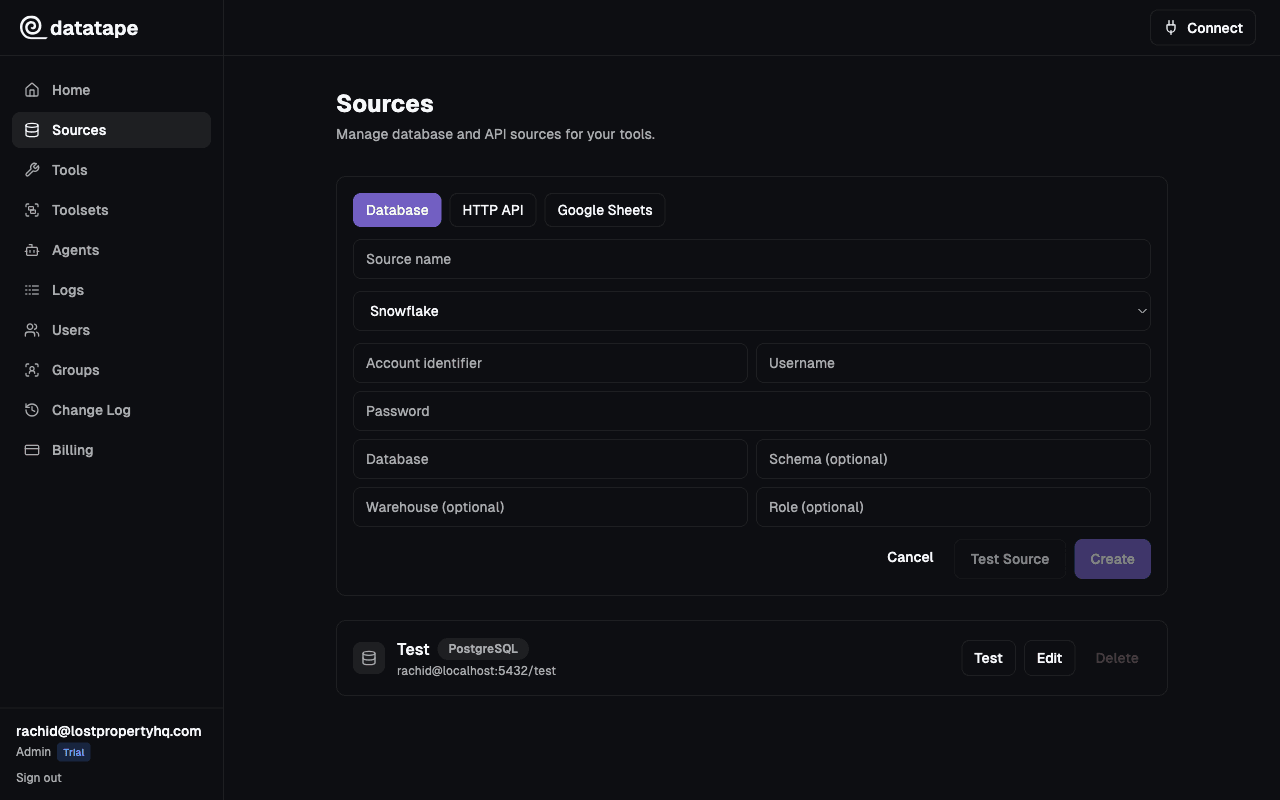
Snowflake now offers a managed MCP server with built-in OAuth and RBAC for Cortex services, custom tools, and SQL execution. Datatape addresses a different operating model: publish a smaller set of reviewed tools and present them alongside tools backed by other systems.
Prefer stable warehouse contracts
Use governed views, explicit measures, and bounded filters. If the question is exploratory or depends on the full semantic layer, keep that work in the Snowflake-native environment.
regional_revenue
Return monthly revenue for an approved region and reporting period.
- region
- string · required
- month
- date · required
SELECT region, month, net_revenue
FROM analytics.monthly_revenue
WHERE region = {{ region }} AND month = {{ month }}
Returns: The approved monthly revenue measure for one region and month.
A practical operating model
MCP does not replace database security. Pair the tool contract with controls at the source.
Use a purpose-built Snowflake role
Grant only the database, schema, warehouse, and object privileges required by published tools. Keep broad administrative roles out of the connection.
Control cost with warehouse policy
Choose an appropriately sized warehouse and apply Snowflake resource monitors or other account controls where needed.
Keep semantic ownership explicit
Point tools at governed tables or views and name the measure they return. The tool description should not invent business meaning that the query does not encode.
Decision support
Compare the operating models
| Decision | Primary benefit | Alternative / tradeoff |
|---|---|---|
| Primary fit | Reviewed tools spanning Snowflake and other sources | Snowflake-native Cortex and SQL tools |
| Hosting | Datatape-hosted MCP endpoint | Snowflake-hosted managed MCP server |
| Choose it when | One curated interface must work across clients and data systems | The workflow should stay entirely within Snowflake governance and services |
Client setup
Connect the clients your team already uses
The same hosted endpoint can be registered in multiple compatible clients. OAuth is the default human flow; agent API keys support non-interactive clients where headers are available.
Add the remote server from Settings → Connectors, then complete the browser authorization flow.
- Step 1Open Settings → Connectors and choose Add custom connector.
- Step 2Enter https://<org-id>.mcp.datatape.ai/mcp as the remote MCP server URL.
- Step 3Connect and finish authorization in the browser.
Client settings can change between releases. Verify the transport and authentication flow against the current client documentation.
Evidence
Sources and review
Written by Datatape Editorial. Product and technical claims reviewed by Rachid.
Continue