PostgreSQL
Connect a PostgreSQL database as a source for your Datatape tools.
PostgreSQL source
PostgreSQL is the most common source type in Datatape. Connect any PostgreSQL-compatible database — including Amazon RDS, Aurora, Supabase, Neon, and Cloud SQL.
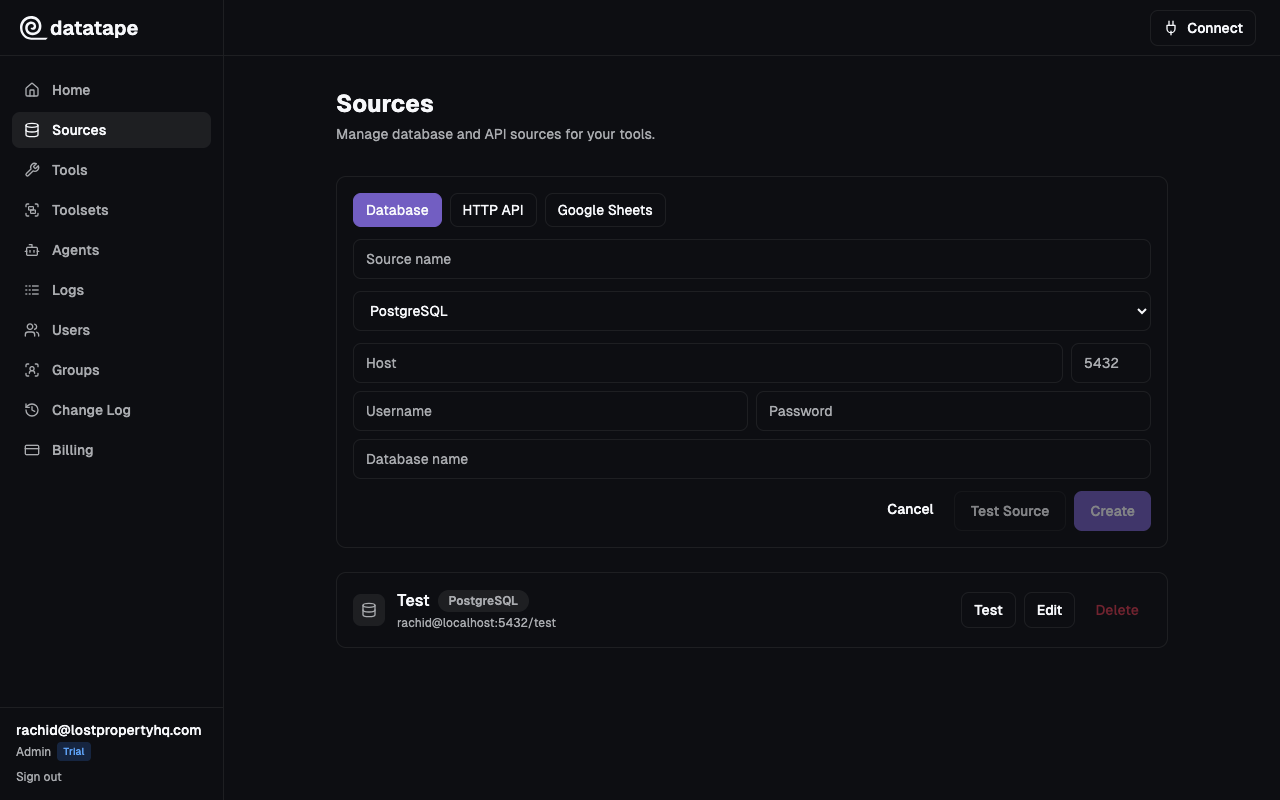
Connection fields
| Field | Required | Default | Description |
|---|---|---|---|
| Host | Yes | — | Hostname or IP address of your PostgreSQL server |
| Port | Yes | 5432 | PostgreSQL listener port |
| Database | Yes | — | Name of the database to connect to |
| Username | Yes | — | Database user |
| Password | Yes | — | Database user password |
Host:     db.example.com
Port:     5432
Database: analytics
Username: datatape_ro
Password: ••••••••
Recommended setup
Create a read-only user
Datatape validates SQL before execution, but the database role is the final authorization boundary. Always connect with a dedicated read-only user.
-- Create a dedicated user
CREATE USER datatape_ro WITH PASSWORD 'your-secure-password';

-- Grant read access to the target schema
GRANT USAGE ON SCHEMA public TO datatape_ro;
GRANT SELECT ON ALL TABLES IN SCHEMA public TO datatape_ro;

-- Apply to future tables automatically
ALTER DEFAULT PRIVILEGES IN SCHEMA public
  GRANT SELECT ON TABLES TO datatape_ro;
Never use a superuser or database owner account. A dedicated read-only user limits blast radius if credentials are ever compromised.
Connection pooling
If your database enforces connection limits (common on managed databases like RDS or Supabase), place a connection pooler such as PgBouncer in front and point Datatape at the pooler endpoint. This prevents Datatape connections from consuming your limited pool.
TLS requirements
PostgreSQL connections use TLS with certificate and hostname verification (verify-full). The source form does not expose a per-source SSL mode. Your server must present a certificate that is valid for the hostname entered in Datatape and chains to a trusted certificate authority.
Common connection issues
| Symptom | Likely cause | Fix |
|---|---|---|
connection refused | Firewall or security group blocking access | Add the Datatape IP range to your allow list |
no pg_hba.conf entry | Server rejects the client IP or auth method | Update pg_hba.conf or security group rules |
password authentication failed | Wrong credentials | Double-check username and password |
database "x" does not exist | Typo in database name | Verify the database name with \l in psql |
| Certificate verification failed | The certificate is untrusted, expired, or does not match the host | Use the database's TLS hostname and a certificate issued by a trusted CA |
timeout expired | Network unreachable or DNS issue | Confirm the host is reachable from the public internet or your VPC |
Testing the connection
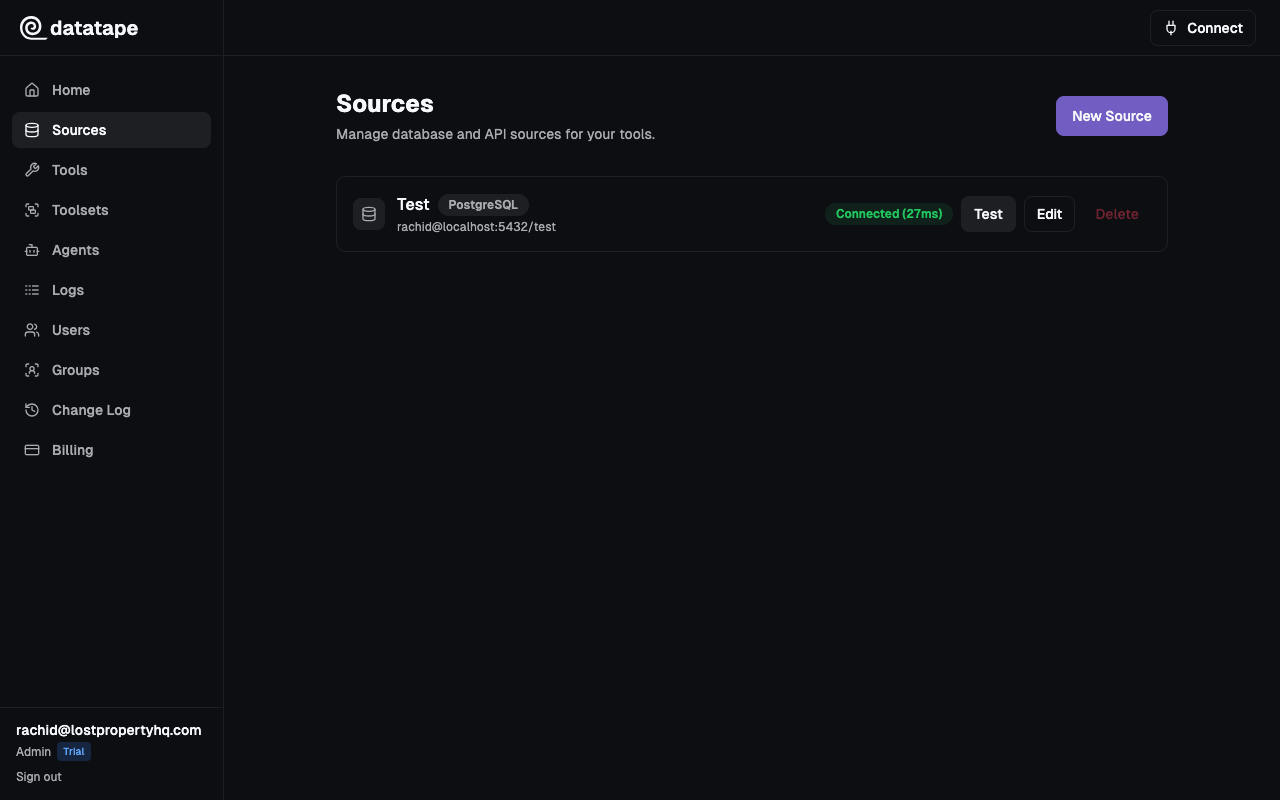
Click Test connection before saving. Datatape will attempt a lightweight SELECT 1 query to verify connectivity, authentication, and database access.
Security notes
- Credentials are encrypted at rest with Fernet
- Credentials are never returned in API responses or exposed to AI agents
- Each source is scoped to your organization