Testing Tools
Test, preview, and validate your tools before exposing them to AI agents.
Testing Tools
Datatape provides three ways to verify your tools before AI agents call them: test execution, preview mode, and SQL validation.
Test Execution
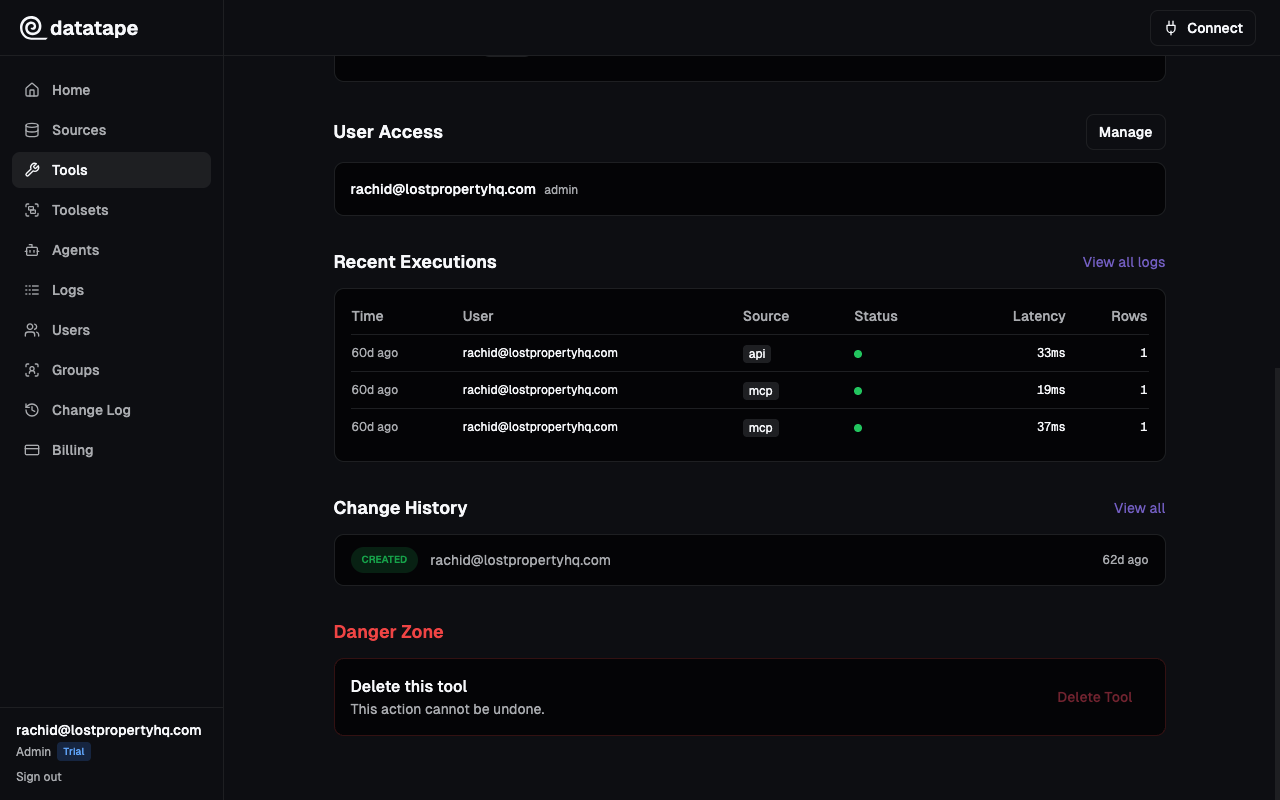
Run a tool with sample parameters to see real results from your database. This executes the query against your connected source with the same pipeline that MCP calls use.
POST /api/v1/tools/{tool_id}/execute
{
  "parameters": {
    "region": "US-East",
    "limit": 5
  }
}
Response Format
A successful execution returns:
{
  "success": true,
  "data": [
    { "customer_name": "Acme Corp", "total_spent": 45200 },
    { "customer_name": "Globex Inc", "total_spent": 38900 }
  ],
  "row_count": 2,
  "execution_time_ms": 45
}| Field | Description |
|---|---|
success | true if the query ran without errors |
data | Array of result rows as key-value objects |
row_count | Number of rows returned |
execution_time_ms | Wall-clock execution time in milliseconds |
error | Error message (present only when success is false) |
Error Responses
When a tool fails, the response includes the error message:
{
  "success": false,
  "error": "Missing required parameter: region",
  "execution_time_ms": 2
}
Common errors:
- Missing required parameter — a required parameter was not provided
- Parameter type mismatch — a value could not be coerced (e.g.,
"abc"for a number) - SQL validation failed — the rendered query contains a write operation
- Connection error — the database is unreachable or credentials are invalid
Preview Mode
Preview renders the SQL template with your parameters but does not execute it. Use this to inspect the generated query before running it.
POST /api/v1/tools/{tool_id}/preview
{
  "parameters": {
    "region": "US-East",
    "limit": 5
  }
}
SQL Tool Preview
Returns the rendered SQL with database-specific placeholders:
{
  "sql": "SELECT name, total_spent FROM customers WHERE region = :region ORDER BY total_spent DESC LIMIT :limit",
  "parameters": { "region": "US-East", "limit": "5" }
}
This shows exactly what will be sent to the database, including which conditional clauses were included or excluded by {% if %} blocks.
HTTP Tool Preview
For HTTP tools, preview shows the rendered request with sensitive headers redacted:
{
  "url": "https://api.example.com/v2/customers?region=US-East",
  "method": "GET",
  "headers": { "Authorization": "Bearer eyJhb..." },
  "body": null
}
Preview is the fastest way to debug conditional templates. If a clause is missing, check whether the parameter value is truthy.
SQL Validation
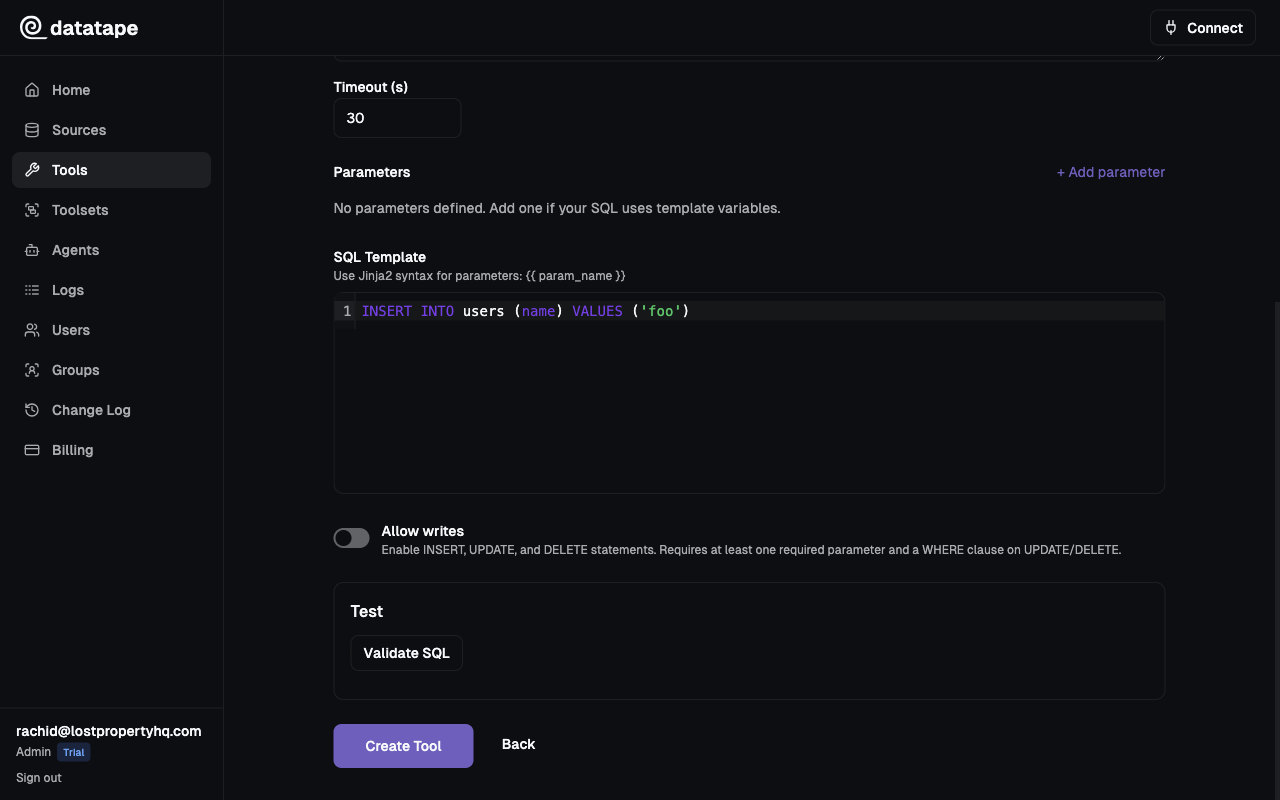
Validate a SQL template without a saved tool. This endpoint renders the template with test parameters and checks it against SQLGlot for read-only safety.
POST /api/v1/tools/validate-sql
{
  "sql_template": "SELECT * FROM orders WHERE status = {{ status }}",
  "test_params": { "status": "shipped" },
  "database_type": "postgres"
}
Validation Response
{
  "valid": true,
  "rendered_sql": "SELECT * FROM orders WHERE status = 'shipped'"
}
If the SQL contains write operations:
{
  "valid": false,
  "error": "Write operation not allowed: DELETE",
  "details": { "statement_type": "DELETE", "statement_index": 0 }
}
Testing Checklist
Before exposing a tool to AI agents, verify:
- Required parameters — test with all required parameters to confirm the query runs
- Optional parameters — test with and without optional parameters to verify
{% if %}clauses - Edge cases — test with boundary values (empty strings, zero, very large numbers)
- Preview — review the rendered SQL to confirm conditional logic is correct
- Validation — confirm the template passes read-only validation for your database type