Team
Roles and permissions
Understand the admin, editor, and viewer roles and what each can do in a Datatape organization.
Roles and permissions
Every member of a Datatape organization has one of three roles: Admin, Editor, or Viewer. Roles are organization-wide — a member has the same role across all agents, toolsets, and sources in the organization.
Role overview
| Role | Purpose |
|---|---|
| Admin | Full control. Manages members, billing, sources, tools, agents, and toolsets. |
| Editor | Creates and modifies sources, tools, agents, and toolsets. Cannot manage members or billing. |
| Viewer | Read-only access. Can view configurations and execute tools, but cannot change anything. |
Permission matrix
| Action | Admin | Editor | Viewer |
|---|---|---|---|
| Sources | |||
| View sources | Yes | Yes | Yes |
| Create sources | Yes | Yes | No |
| Edit sources | Yes | Yes | No |
| Delete sources | Yes | No | No |
| Tools | |||
| View tools | Yes | Yes | Yes |
| Create tools | Yes | Yes | No |
| Edit tools | Yes | Yes | No |
| Delete tools | Yes | No | No |
| Execute tools (via MCP) | Yes | Yes | Yes |
| Agents | |||
| View agents | Yes | Yes | Yes |
| Create agents | Yes | Yes | No |
| Edit agents | Yes | Yes | No |
| Delete agents | Yes | No | No |
| Rotate agent API keys | Yes | Yes | No |
| Toolsets | |||
| View toolsets | Yes | Yes | Yes |
| Create toolsets | Yes | Yes | No |
| Edit toolsets | Yes | Yes | No |
| Delete toolsets | Yes | No | No |
| Team | |||
| View members | Yes | Yes | Yes |
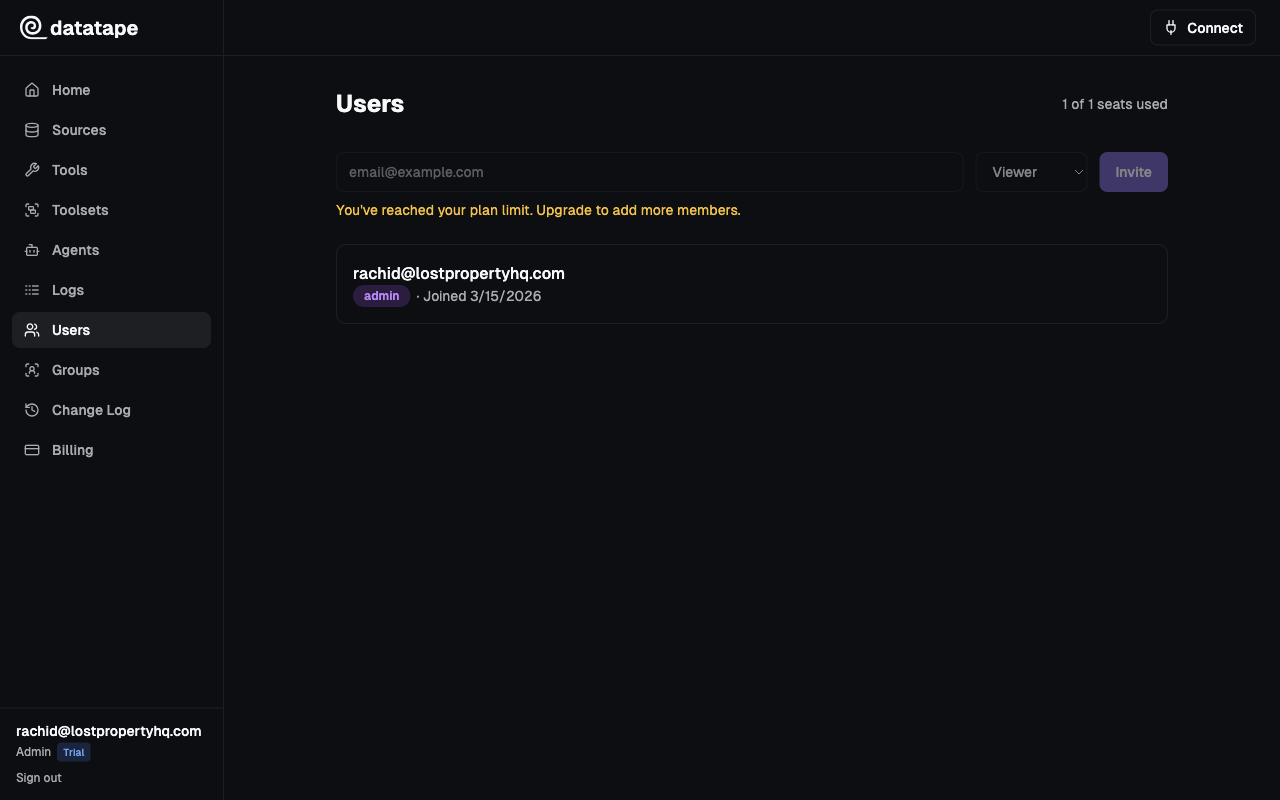
| Invite members | Yes | No | No |
| Change member roles | Yes | No | No |
| Remove members | Yes | No | No |
| Billing | |||
| View plan | Yes | Yes | Yes |
| Change plan | Yes | No | No |
Role assignment
- The user who creates an organization is automatically the first Admin
- Admins assign roles when inviting new members
- Admins can change any member's role at any time from the Team page
- There must always be at least one Admin in an organization
Roles apply at the organization level. Use toolsets to control which tools each agent can access.