MySQL
Connect a MySQL database as a source for your Datatape tools.
MySQL source
Connect any MySQL-compatible database — including Amazon RDS, Aurora MySQL, PlanetScale, and Cloud SQL for MySQL.
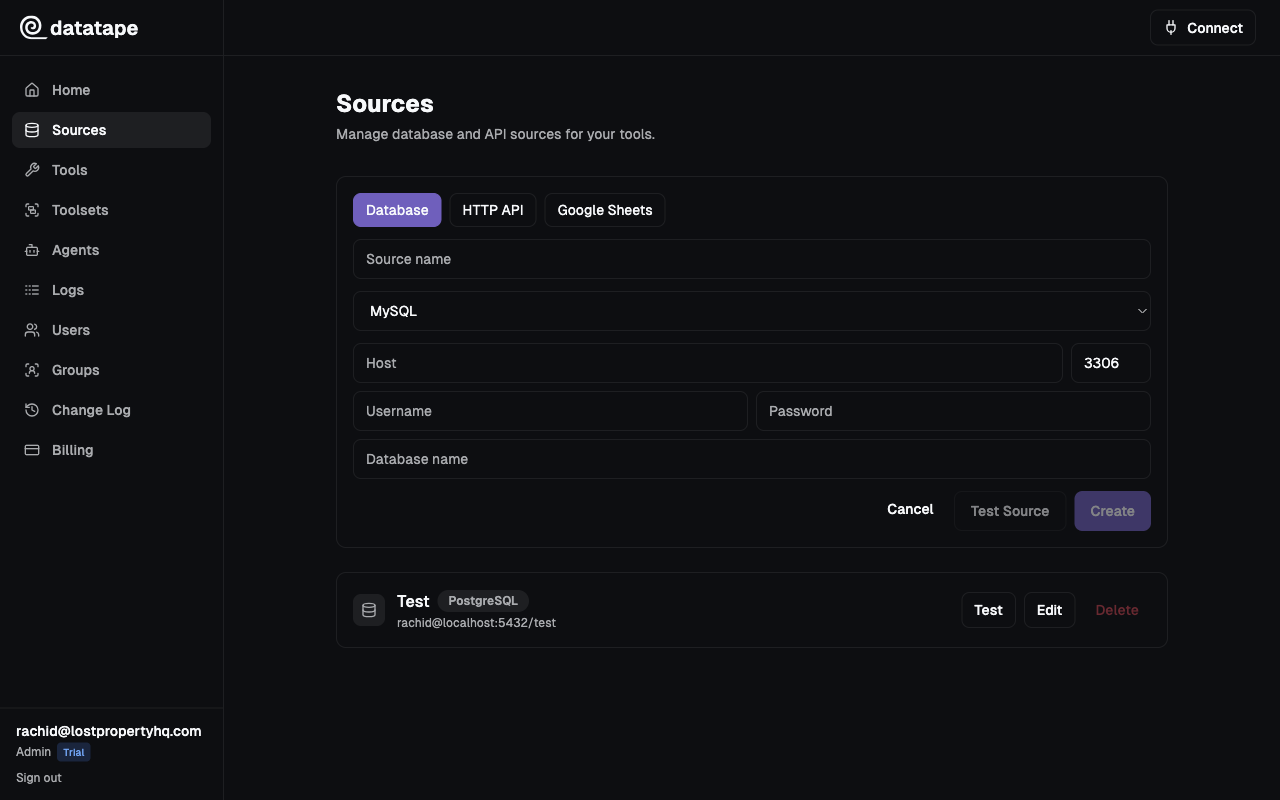
Connection fields
| Field | Required | Default | Description |
|---|---|---|---|
| Host | Yes | — | Hostname or IP address of your MySQL server |
| Port | Yes | 3306 | MySQL listener port |
| Database | Yes | — | Name of the database (schema) to connect to |
| Username | Yes | — | Database user |
| Password | Yes | — | Database user password |
| SSL | No | Enabled | Whether to use an encrypted connection |
Host:     mysql.example.com
Port:     3306
Database: app_production
Username: datatape_ro
Password: ••••••••
Recommended setup
Create a read-only user
Datatape enforces read-only SQL at the platform level, but you should still connect with a restricted user.
-- Create a dedicated user
CREATE USER 'datatape_ro'@'%' IDENTIFIED BY 'your-secure-password';

-- Grant read access to a specific database
GRANT SELECT ON app_production.* TO 'datatape_ro'@'%';

-- Apply privileges
FLUSH PRIVILEGES;
Avoid granting ALL PRIVILEGES. A SELECT-only grant ensures the user cannot modify data even if platform-level protections were bypassed.
Character set considerations
MySQL defaults vary by version (latin1 in 5.x, utf8mb4 in 8.x). If your tool results contain garbled text, confirm that the database and Datatape are both using utf8mb4.
SSL configuration
Most managed MySQL providers enable SSL by default. Datatape connects with SSL enabled unless you explicitly disable it.
| Setting | Behavior |
|---|---|
| SSL on (default) | Encrypts the connection using the server's certificate |
| SSL off | Unencrypted connection. Only use for local development. |
PlanetScale requires SSL and does not support disabling it. No extra configuration is needed.
MySQL vs PostgreSQL differences
If you are coming from PostgreSQL, note these MySQL-specific behaviors:
| Aspect | MySQL | PostgreSQL |
|---|---|---|
| Default port | 3306 | 5432 |
| Schema model | Database = schema (single level) | Database > schema (two levels) |
| Case sensitivity | Table names are case-insensitive on macOS/Windows | Always case-sensitive |
LIMIT syntax | LIMIT n (no OFFSET keyword required) | Same |
| Boolean type | TINYINT(1) | Native BOOLEAN |
Common connection issues
| Symptom | Likely cause | Fix |
|---|---|---|
Access denied for user | Wrong credentials or host restriction | Verify user, password, and allowed hosts ('%' vs 'localhost') |
Can't connect to MySQL server | Firewall or security group | Allow Datatape IPs in your security group |
Unknown database | Typo in database name | Run SHOW DATABASES; to list available databases |
SSL connection error | SSL required but not configured | Enable SSL in connection settings |
Testing the connection
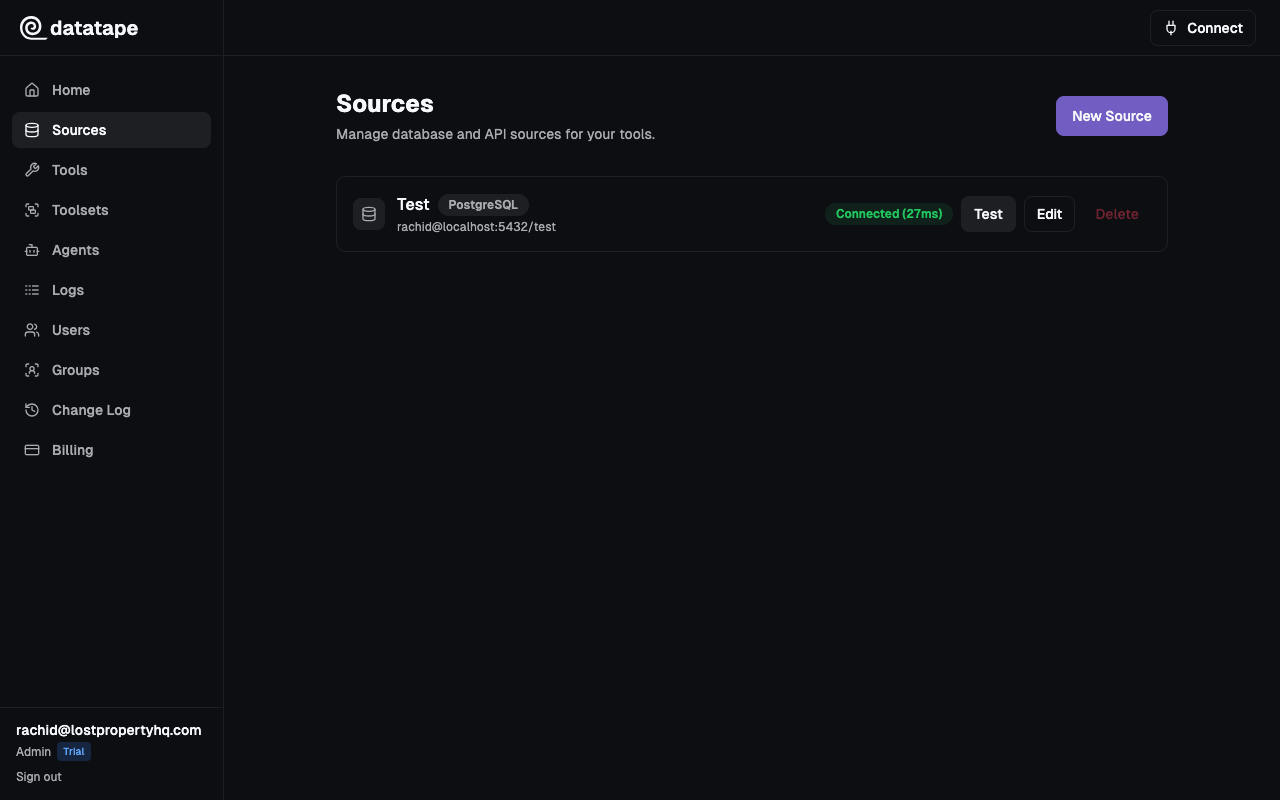
Click Test connection before saving. Datatape runs a lightweight SELECT 1 to verify connectivity.
Security notes
- Credentials are encrypted at rest with Fernet (AES-128-CBC + HMAC-SHA256)
- Credentials are never returned in API responses or exposed to AI agents
- Each source is scoped to your organization