Creating an Agent
Create an agent to get an API key for programmatic access to your MCP endpoint.
Creating an Agent
Agents represent programmatic consumers of your tools. Each agent gets an embedded API key for authenticating with your organization's MCP endpoint without interactive OAuth.
Create an agent
- Go to Agents and click Create agent
- Enter a name (e.g., "Customer Support Bot", "CI Pipeline")
- Optionally add a description
- Assign tools directly or via a toolset
- Click Create
The agent's API key is displayed immediately after creation. Copy it and store it securely.
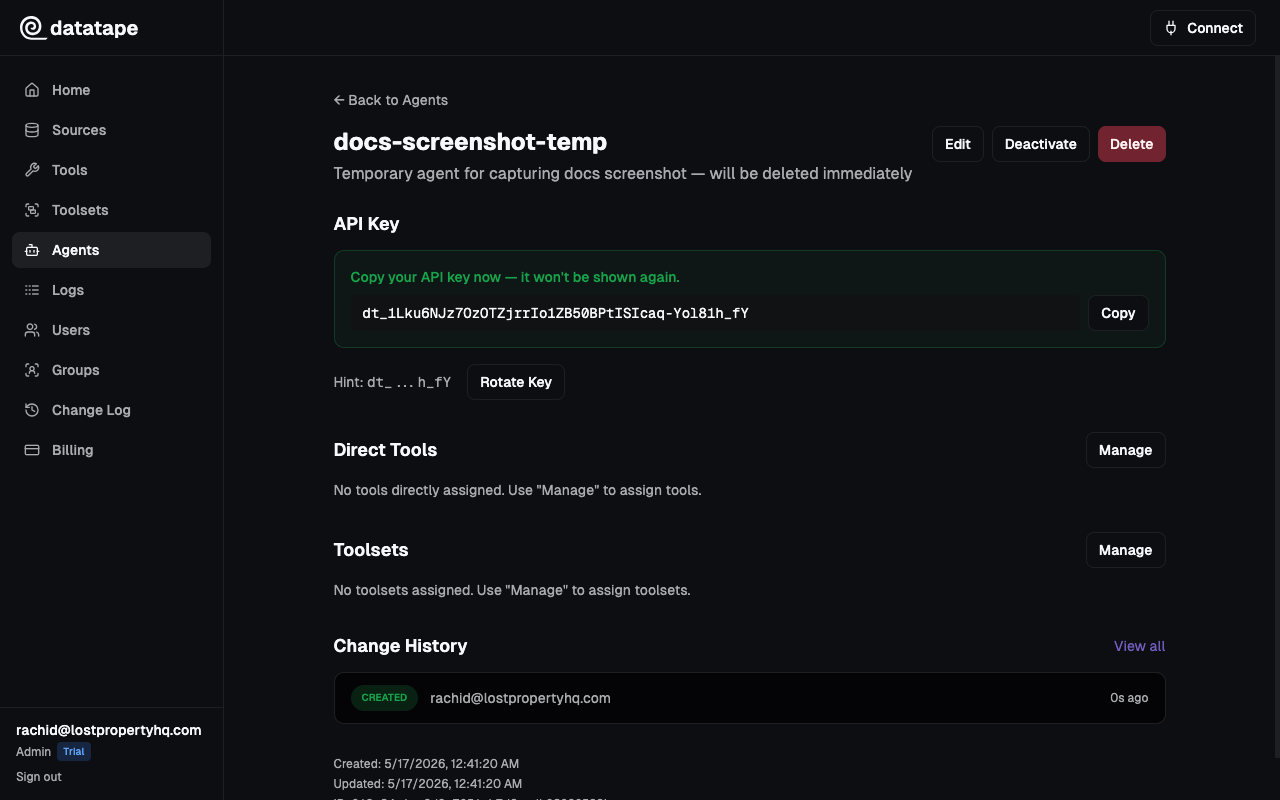
The full API key is only shown once, immediately after creation. Copy it and store it securely — Datatape cannot retrieve it later.
Key format
All agent API keys use the dt_ prefix:
dt_live_a1b2c3d4e5f6g7h8i9j0k1l2m3n4o5p6This prefix makes it easy to identify Datatape keys in your configuration and enables secret scanning tools (like GitHub's) to detect accidentally committed keys.
Key hint
After creation, the dashboard shows a key hint for identification: the first 3 and last 4 characters of the key (e.g., dt_...o5p6). This hint appears on the agent detail page so you can verify which key is in use without exposing the full value.
Using the API key
Pass the key in the Authorization header when connecting to your org's MCP endpoint:
curl https://your-org-id.mcp.datatape.ai/mcp \
  -H "Authorization: Bearer dt_live_a1b2c3..."
Or configure an MCP client:
{
  "mcpServers": {
    "datatape": {
      "url": "https://your-org-id.mcp.datatape.ai/mcp",
      "headers": {
        "Authorization": "Bearer dt_live_a1b2c3..."
      }
    }
  }
}
Rotating a key
If a key is compromised or you want to rotate it:
- Navigate to the agent's detail page
- Click Rotate key
- The old key is immediately revoked and a new key is generated
- Copy the new key — it is only shown once
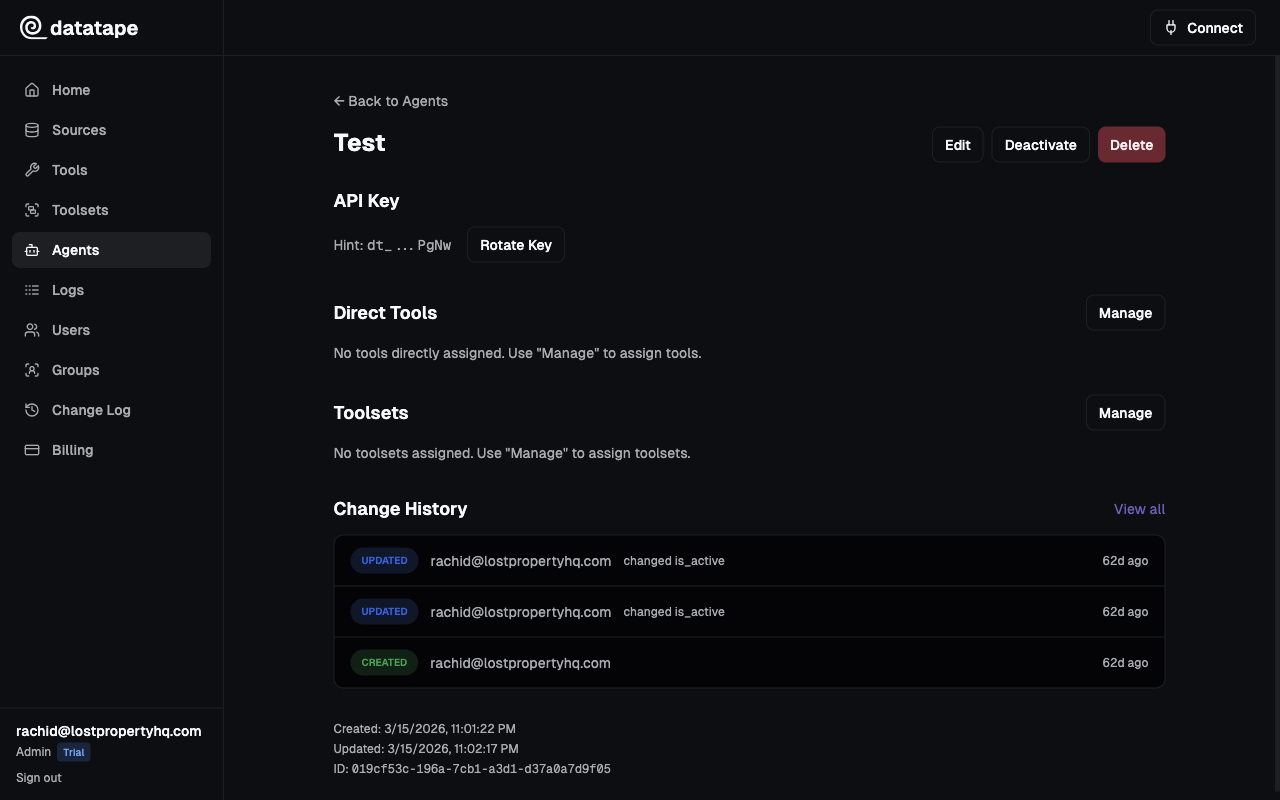
Rotation is atomic — the old key stops working the moment the new key is created. Update your client configuration before rotating if you need zero-downtime rotation.
Deleting an agent
Deleting an agent immediately revokes its API key. Any client using that key will receive authentication errors.