HTTP API
Connect an HTTP API as a source for your Datatape tools.
HTTP API source
HTTP sources let you connect REST APIs so your AI agents can fetch data from external services — CRMs, payment platforms, internal APIs, and more.
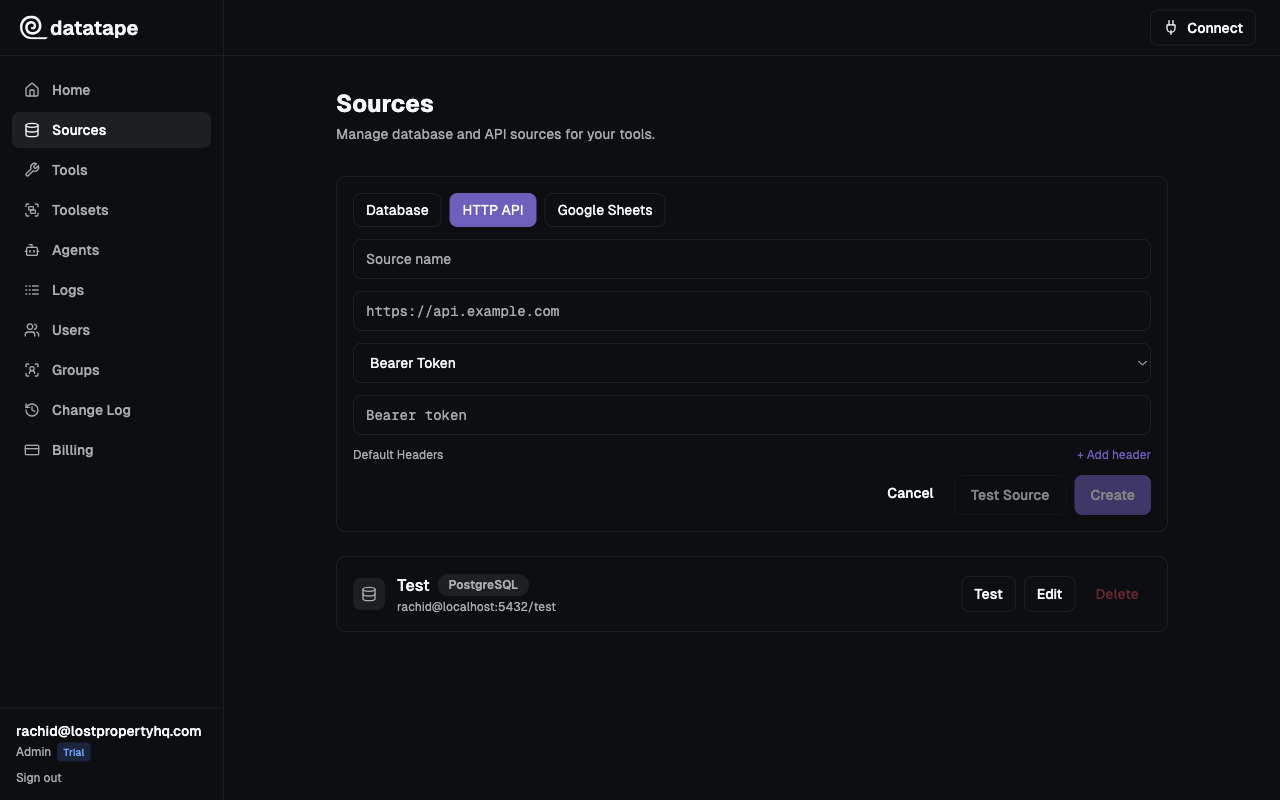
Connection fields
| Field | Required | Default | Description |
|---|---|---|---|
| Base URL | Yes | — | The root URL for API requests (e.g., https://api.example.com/v1) |
| Auth Method | Yes | None | Authentication method (see below) |
| Default Headers | No | — | Headers sent with every request (e.g., Accept: application/json) |
| Timeout | No | 30s | Request timeout in seconds |
Base URL:     https://api.example.com/v1
Auth Method:  Bearer Token
Timeout:      30s
Authentication methods
None
No authentication. Use for public APIs or APIs behind a VPN.
API Key
Send an API key in a request header.
| Field | Description |
|---|---|
| Header Name | The header that carries the key (e.g., X-API-Key, Authorization) |
| API Key | The key value |
Header Name:  X-API-Key
API Key:      sk_live_abc123...
Bearer Token
Send a static bearer token in the Authorization header.
| Field | Description |
|---|---|
| Token | The bearer token value |
Datatape sends: Authorization: Bearer <token>
OAuth2 Client Credentials
Datatape obtains an access token automatically using the client credentials grant and refreshes it when it expires.
| Field | Description |
|---|---|
| Client ID | OAuth2 client identifier |
| Client Secret | OAuth2 client secret |
| Token URL | The authorization server's token endpoint |
| Scope | Space-separated list of scopes (optional) |
Client ID:      datatape-client
Client Secret:  ••••••••
Token URL:      https://auth.example.com/oauth/token
Scope:          read:data
Datatape caches the access token and refreshes it before expiry. You do not need to handle token rotation manually.
Default headers
Add headers that should be sent with every request. Common uses:
Accept: application/json
X-Api-Version: 2024-01-01
These headers are merged with any per-tool headers. Per-tool headers take precedence if there is a conflict.
Timeout configuration
Set the timeout to match your API's expected response time:
| Timeout | Use case |
|---|---|
5s | Fast internal APIs |
30s | Default. Suitable for most external APIs. |
60s | Slow APIs, report generation endpoints |
AI clients typically have their own timeout for MCP tool calls (often 30-60 seconds). If your HTTP source timeout is longer than the client timeout, the call may be cancelled before the API responds.
Writing tools for HTTP sources
HTTP source tools use a different template syntax than SQL sources. You define the request path, method, and body:
GET /customers/{{ customer_id }}POST /reports
Content-Type: application/json
{
"start_date": "{{ start_date }}",
"end_date": "{{ end_date }}"
}Common connection issues
| Symptom | Likely cause | Fix |
|---|---|---|
Connection refused | API not reachable from Datatape | Check that the API is publicly accessible or allowlist Datatape IPs |
401 Unauthorized | Invalid or expired credentials | Verify API key, token, or OAuth2 client credentials |
403 Forbidden | Insufficient permissions | Check API permissions or scopes |
Timeout | API too slow or unreachable | Increase the timeout value or check API health |
SSL certificate error | Self-signed or expired certificate | Use a valid TLS certificate |
Testing the connection
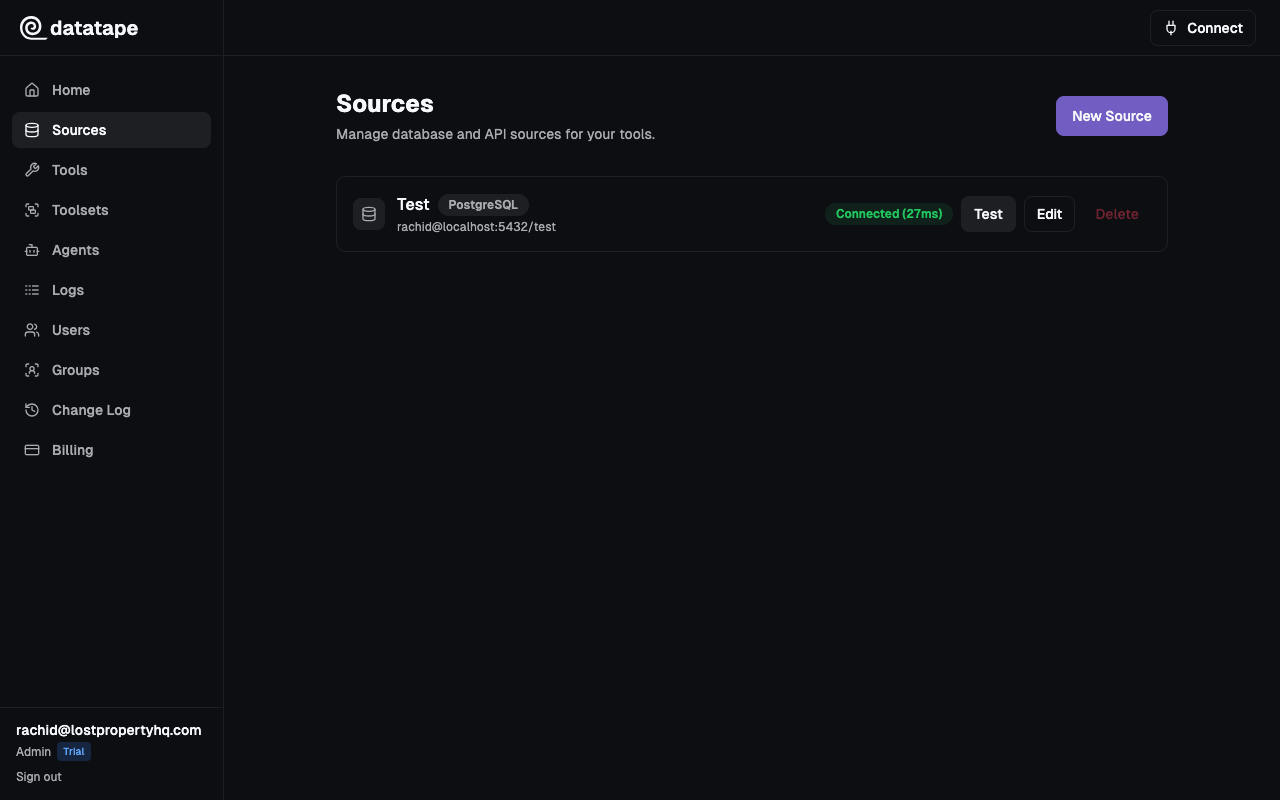
Click Test connection before saving. Datatape sends a GET request to the base URL and verifies a successful response.
Security notes
- All credentials (API keys, tokens, client secrets) are encrypted at rest with Fernet
- Credentials are never returned in API responses or exposed to AI agents
- All HTTP source requests use HTTPS. Plain HTTP URLs are rejected.