Connect a source
Add a database or API as a data source for your tools.
Connect a source
Sources are the databases and APIs that your tools query. Datatape supports PostgreSQL, MySQL, Snowflake, BigQuery, Google Sheets, HTTP APIs, and upstream MCP servers.
Supported source types
| Source | Connection method | Best for |
|---|---|---|
| PostgreSQL | Host + credentials | Application databases, data warehouses |
| MySQL | Host + credentials | Application databases |
| Snowflake | Account + credentials | Analytics, data warehouses |
| BigQuery | Service account JSON | Google Cloud data |
| Google Sheets | Spreadsheet URL | Lightweight data, shared spreadsheets |
| HTTP | Base URL + auth | REST APIs, webhooks |
| MCP | Upstream MCP URL | Chaining MCP servers |
Adding a source
- Navigate to Sources in the sidebar
- Click Add source
- Select your source type
- Fill in the connection details (see below)
- Click Test connection
- Click Save
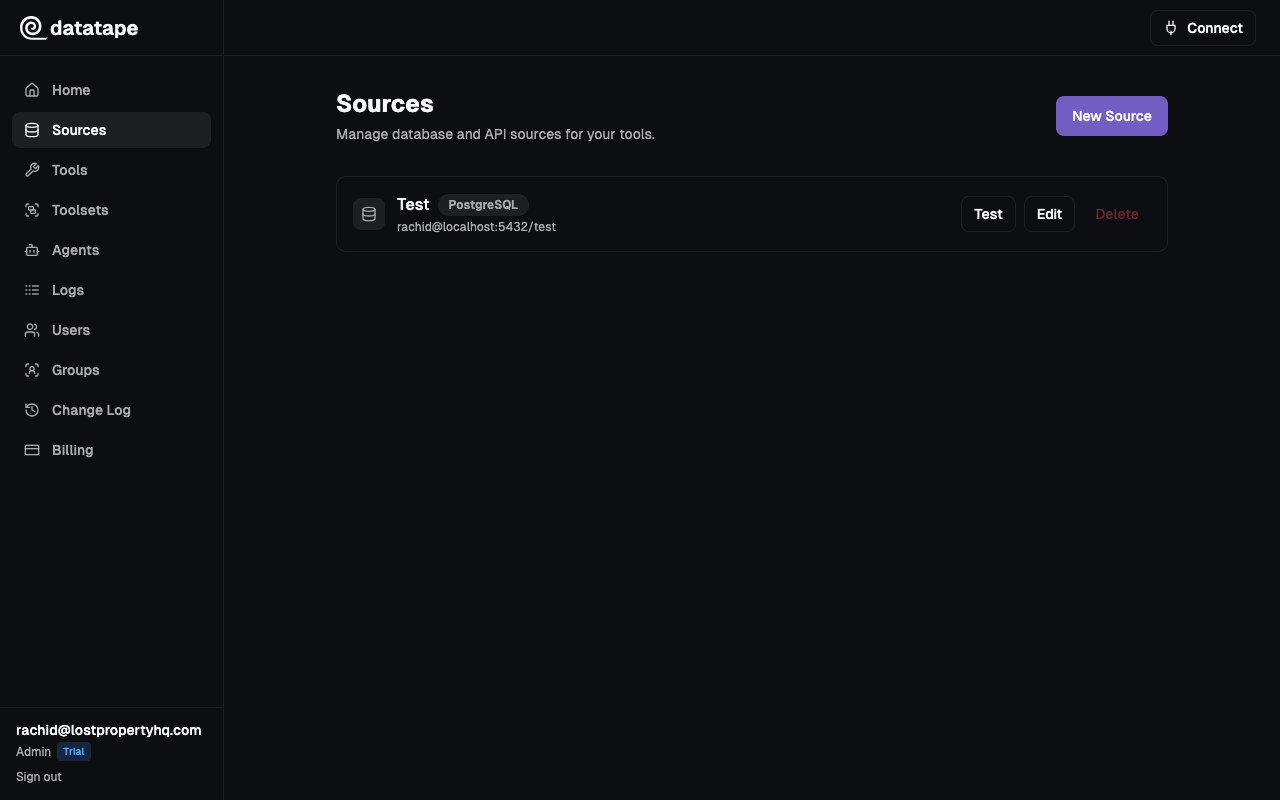
PostgreSQL
Host:     your-db.example.com
Port:     5432
Database: mydb
Username: readonly_user
Password: ••••••••
Use read-only database credentials. While Datatape enforces read-only SQL at the platform level, using a read-only database user adds defense in depth.
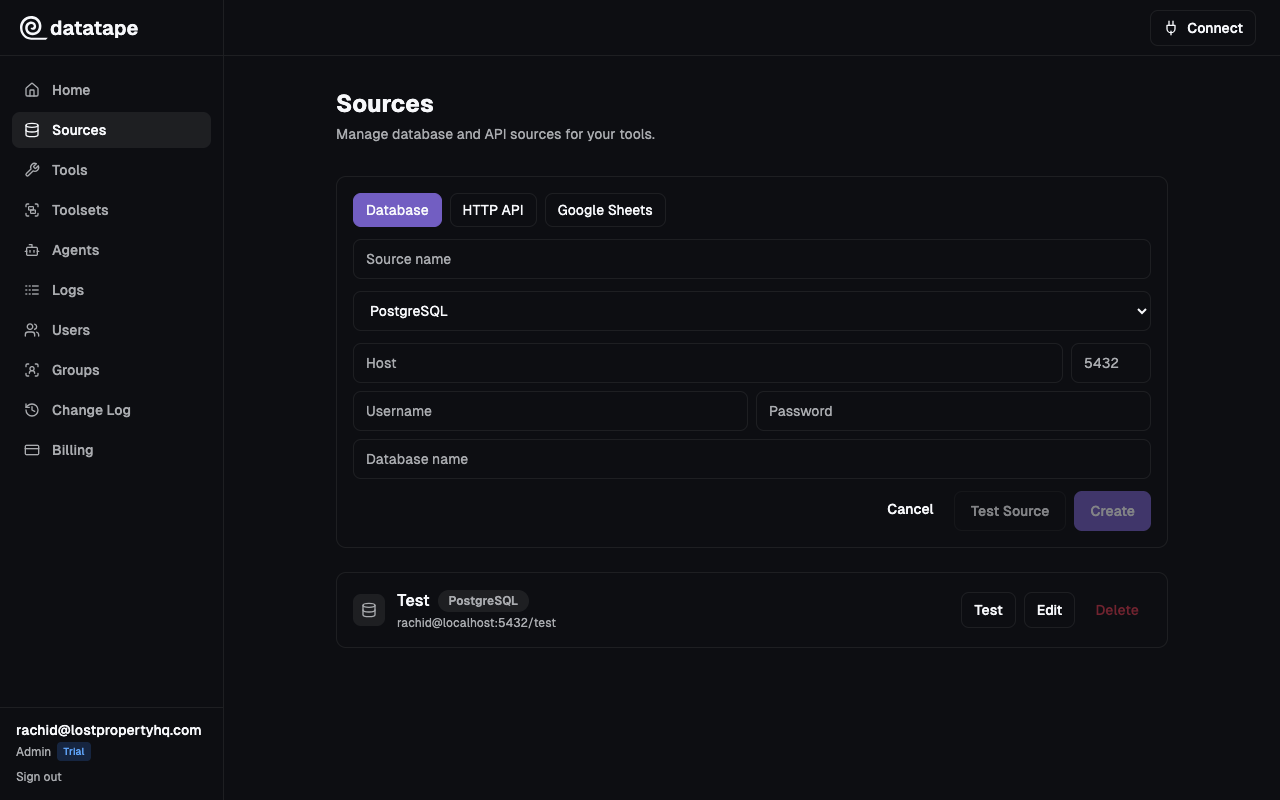
MySQL
Host:     your-mysql.example.com
Port:     3306
Database: mydb
Username: readonly_user
Password: ••••••••
Snowflake
Account:    your-org.snowflakecomputing.com
Username:   DATATAPE_USER
Password:   ••••••••
Database:   ANALYTICS
Schema:     PUBLIC (optional)
Warehouse:  COMPUTE_WH (optional)
Role:       ANALYST (optional)
BigQuery
Upload your service account JSON key file. The service account needs the BigQuery Data Viewer and BigQuery Job User roles.
{
  "type": "service_account",
  "project_id": "your-project",
  "private_key_id": "...",
  "private_key": "...",
  "client_email": "datatape@your-project.iam.gserviceaccount.com"
}
Google Sheets
Paste the spreadsheet URL. The sheet must be shared with "Anyone with the link" or with the Datatape service account.
https://docs.google.com/spreadsheets/d/1AbC.../edit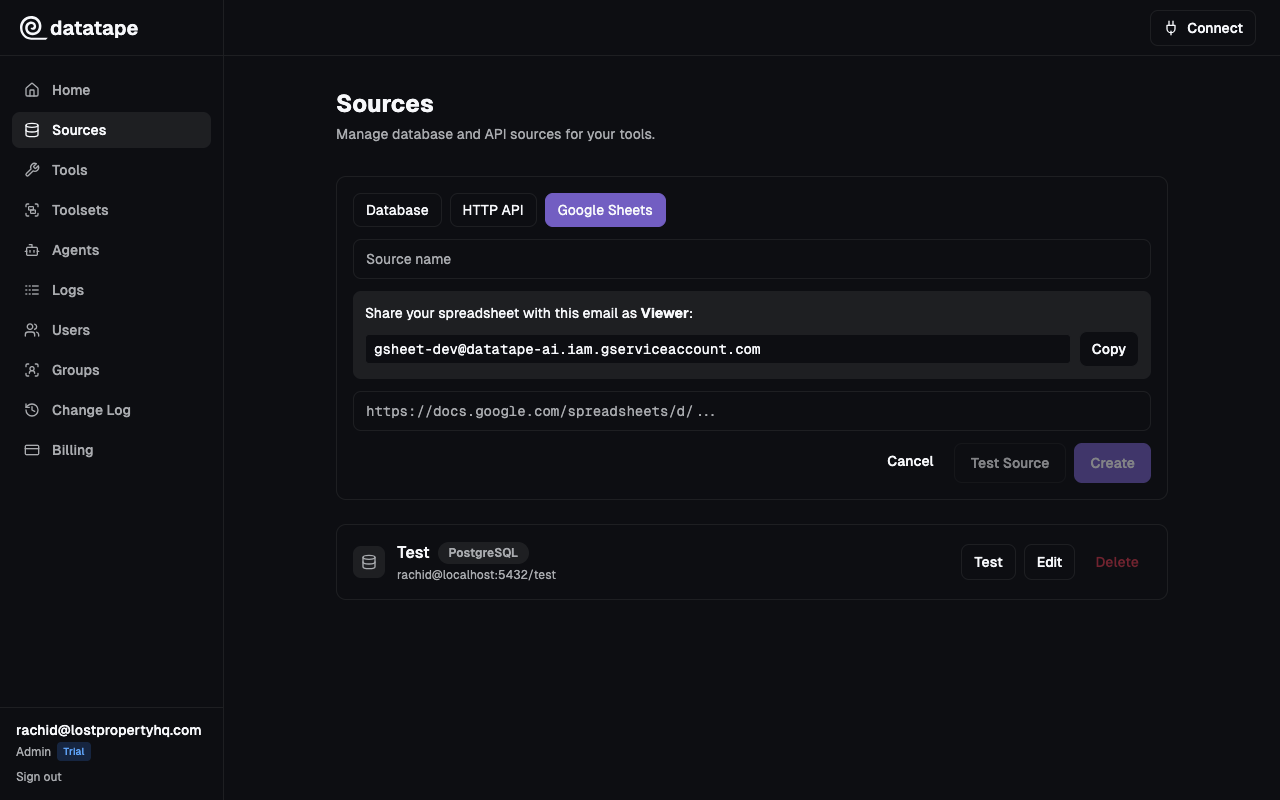
HTTP
For REST API sources:
Base URL:    https://api.example.com/v1
Auth Method: API Key | Bearer Token | OAuth2 Client Credentials
Auth configuration varies by method:
- API Key: header name + key value
- Bearer Token: token value
- OAuth2 CC: client ID, client secret, token URL, scope
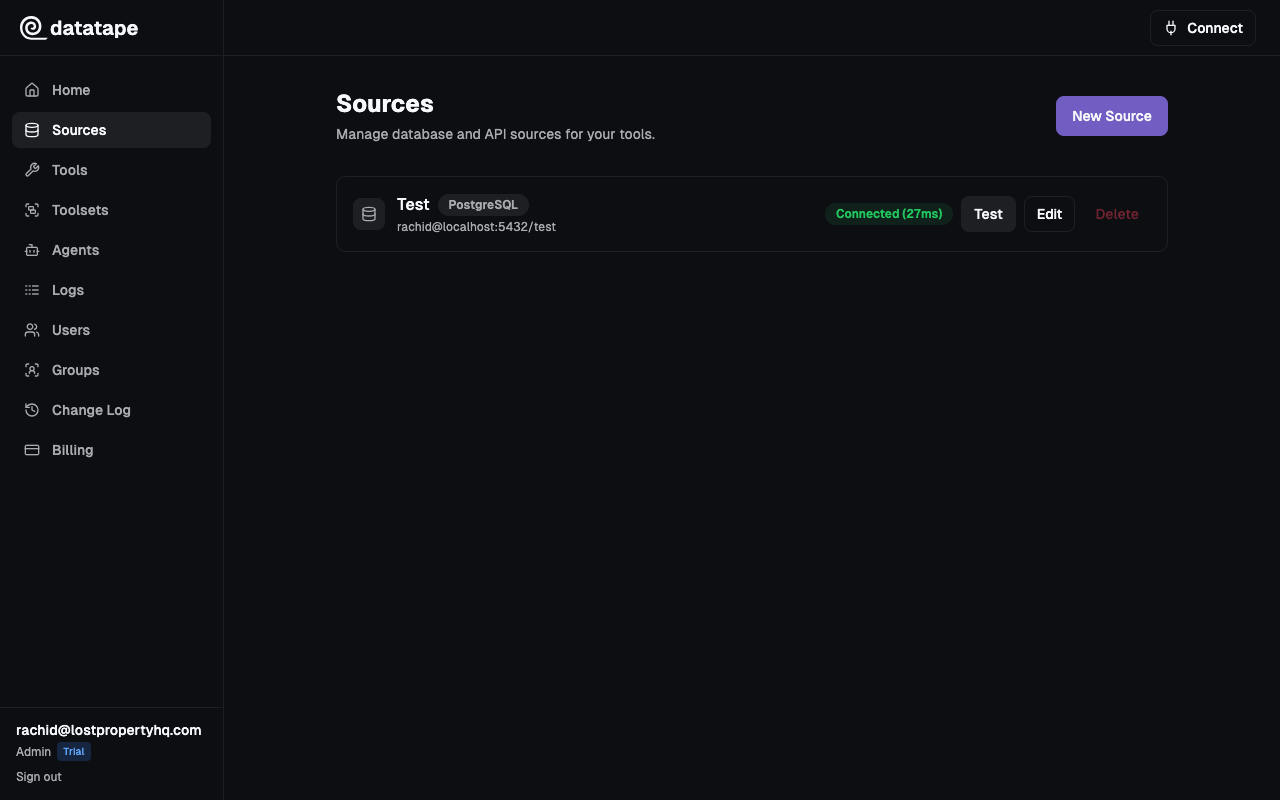
Testing connections
Click Test connection before saving to verify Datatape can reach your database. The test performs a lightweight connection check without executing queries.
Security
- Credentials are encrypted at rest with Fernet (AES-128-CBC + HMAC-SHA256)
- Credentials are never returned in API responses
- Credentials are never logged or exposed to AI agents
- Each source is scoped to your organization — no cross-org access