Google Sheets
Connect a Google Sheets spreadsheet as a source for your Datatape tools.
Google Sheets source
Google Sheets sources let you expose spreadsheet data to AI agents without building an API. Ideal for lookup tables, configuration data, team directories, and lightweight datasets.
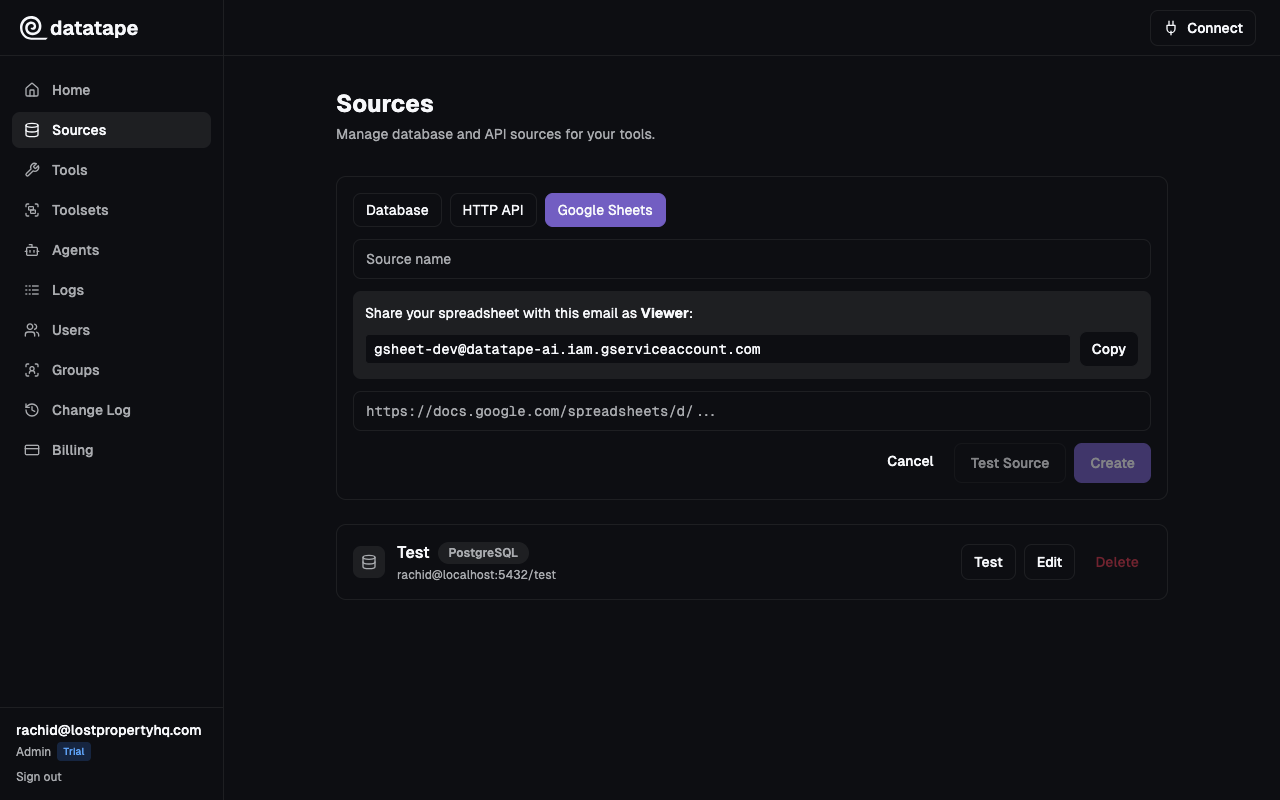
Connection fields
| Field | Required | Description |
|---|---|---|
| Spreadsheet URL | Yes | The full URL of your Google Sheets spreadsheet |
https://docs.google.com/spreadsheets/d/1AbCdEfGhIjKlMnOpQrStUvWxYz/editDatatape extracts the spreadsheet ID from the URL automatically.
Sharing requirements
The spreadsheet must be accessible to Datatape. You have two options:
Option 1: Link sharing (simplest)
- Open the spreadsheet in Google Sheets
- Click Share
- Under General access, select Anyone with the link
- Set the role to Viewer
Viewer access is sufficient. Datatape only reads data from sheets — it never writes or modifies cells.
Option 2: Service account sharing (recommended for private data)
Share the spreadsheet with the Datatape service account email address:
- Open the spreadsheet in Google Sheets
- Click Share
- Add
datatape@your-project.iam.gserviceaccount.comas a Viewer
This keeps the spreadsheet private while granting Datatape read access.
If you change the sharing settings after connecting the source, Datatape will lose access and tool executions will fail. Re-test the connection if you modify sharing.
Writing tools for Sheets data
When you create a tool backed by a Google Sheets source, you query the data using SQL-like syntax. Datatape maps sheets to tables and columns to fields.
-- Query the first sheet
SELECT * FROM Sheet1 WHERE region = '{{ region }}'

-- Query a named sheet
SELECT name, email FROM "Team Directory" WHERE department = '{{ dept }}'
Sheet names with spaces or special characters must be quoted with double quotes in your SQL templates.
Limitations
| Limitation | Detail |
|---|---|
| Size | Best for spreadsheets under 10,000 rows. Larger sheets may cause slow tool responses. |
| Data types | All values are treated as strings. Use type casting in your SQL if needed. |
| Real-time sync | Data is read at query time. There is no caching — each tool call fetches fresh data. |
| Write access | Not supported. Datatape is read-only. |
| Multiple sheets | Each sheet in the spreadsheet is available as a separate table. |
| Formulas | Datatape reads computed values, not the underlying formulas. |
Common connection issues
| Symptom | Likely cause | Fix |
|---|---|---|
Spreadsheet not found | URL is incorrect or sheet was deleted | Verify the spreadsheet URL |
Permission denied | Sharing settings do not include Datatape | Enable link sharing or share with the service account |
Sheet is empty | The target sheet has no data | Add headers and at least one row of data |
Column not found | Column name mismatch | Column names come from the first row (headers). Check for typos or extra spaces. |
Testing the connection
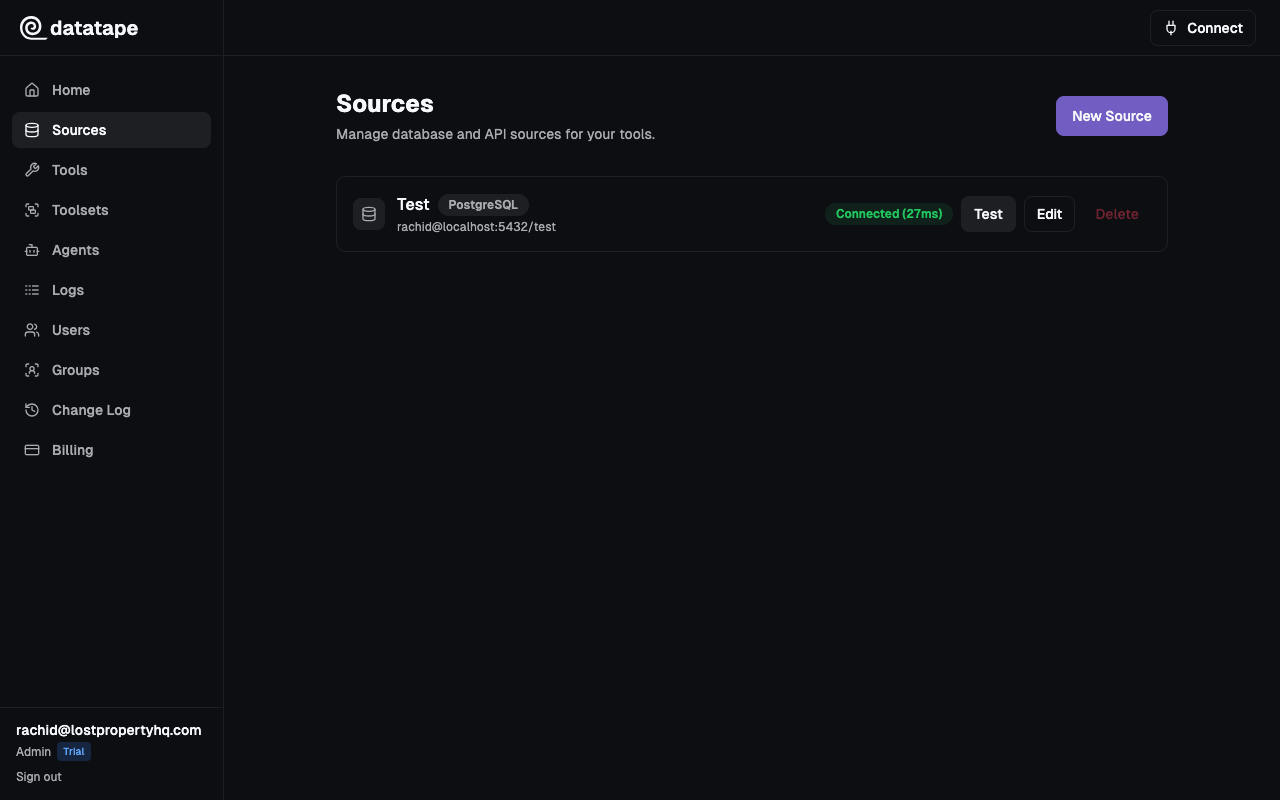
Click Test connection before saving. Datatape verifies that it can read the spreadsheet metadata and list available sheets.
Security notes
- Spreadsheet URLs are encrypted at rest
- Data is fetched over HTTPS via the Google Sheets API
- Each source is scoped to your organization