BigQuery
Connect Google BigQuery as a source for your Datatape tools.
BigQuery source
Connect BigQuery to expose analytics tables, data warehouse views, and BI datasets to your AI agents through Datatape tools.
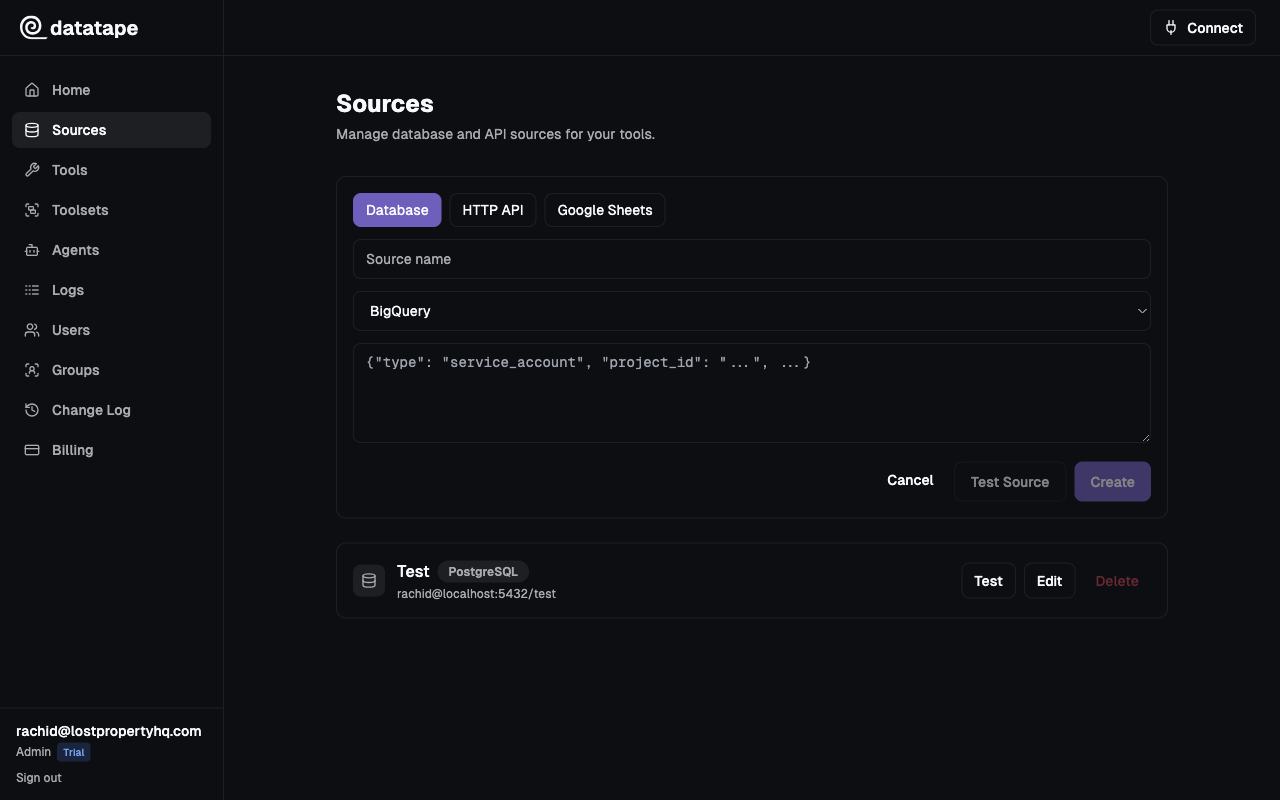
Connection fields
| Field | Required | Description |
|---|---|---|
| Service Account JSON | Yes | The full JSON key file for a Google Cloud service account |
| Project ID | Auto | Extracted from the service account key. Override if querying a different project. |
Upload or paste your service account JSON key when creating the source.
{
  "type": "service_account",
  "project_id": "your-project-id",
  "private_key_id": "key-id",
  "private_key": "-----BEGIN PRIVATE KEY-----\n...\n-----END PRIVATE KEY-----\n",
  "client_email": "datatape@your-project-id.iam.gserviceaccount.com",
  "client_id": "123456789",
  "auth_uri": "https://accounts.google.com/o/oauth2/auth",
  "token_uri": "https://oauth2.googleapis.com/token"
}
Required IAM roles
Grant the following roles to your service account in the Google Cloud Console:
| Role | Purpose |
|---|---|
BigQuery Data Viewer | Read access to tables and views |
BigQuery Job User | Permission to run queries (required for all query execution) |
Granting roles via gcloud
# Set variables
export PROJECT_ID="your-project-id"
export SA_EMAIL="datatape@${PROJECT_ID}.iam.gserviceaccount.com"

# Grant BigQuery Data Viewer
gcloud projects add-iam-policy-binding $PROJECT_ID \
  --member="serviceAccount:${SA_EMAIL}" \
  --role="roles/bigquery.dataViewer"

# Grant BigQuery Job User
gcloud projects add-iam-policy-binding $PROJECT_ID \
  --member="serviceAccount:${SA_EMAIL}" \
  --role="roles/bigquery.jobUser"
Do not grant BigQuery Admin or Owner. The Data Viewer + Job User combination provides the minimum permissions needed to run read-only queries.
Project setup
Create a dedicated service account
gcloud iam service-accounts create datatape \
  --display-name="Datatape read-only access" \
  --project=$PROJECT_ID

gcloud iam service-accounts keys create datatape-key.json \
  --iam-account=datatape@${PROJECT_ID}.iam.gserviceaccount.com
Cross-project queries
If you need to query datasets in a different project, grant the BigQuery Data Viewer role on the target project as well:
gcloud projects add-iam-policy-binding TARGET_PROJECT_ID \
  --member="serviceAccount:${SA_EMAIL}" \
  --role="roles/bigquery.dataViewer"
Then reference the target project in your SQL tools using fully-qualified table names:
SELECT * FROM `target-project.dataset.table` WHERE ...Dataset-level permissions
For tighter access control, grant BigQuery Data Viewer at the dataset level instead of the project level:
- Open the BigQuery console
- Select the dataset
- Click Sharing > Permissions
- Add the service account email with the
BigQuery Data Viewerrole
This limits Datatape to only the datasets you explicitly allow.
Common connection issues
| Symptom | Likely cause | Fix |
|---|---|---|
Permission denied | Missing IAM role | Verify both Data Viewer and Job User roles are granted |
Not found: Dataset | Wrong project or dataset name | Use fully-qualified names: project.dataset.table |
Invalid JWT | Malformed or expired service account key | Re-generate the key in Google Cloud Console |
Quota exceeded | Too many concurrent queries | Check BigQuery quotas in the Cloud Console |
Testing the connection
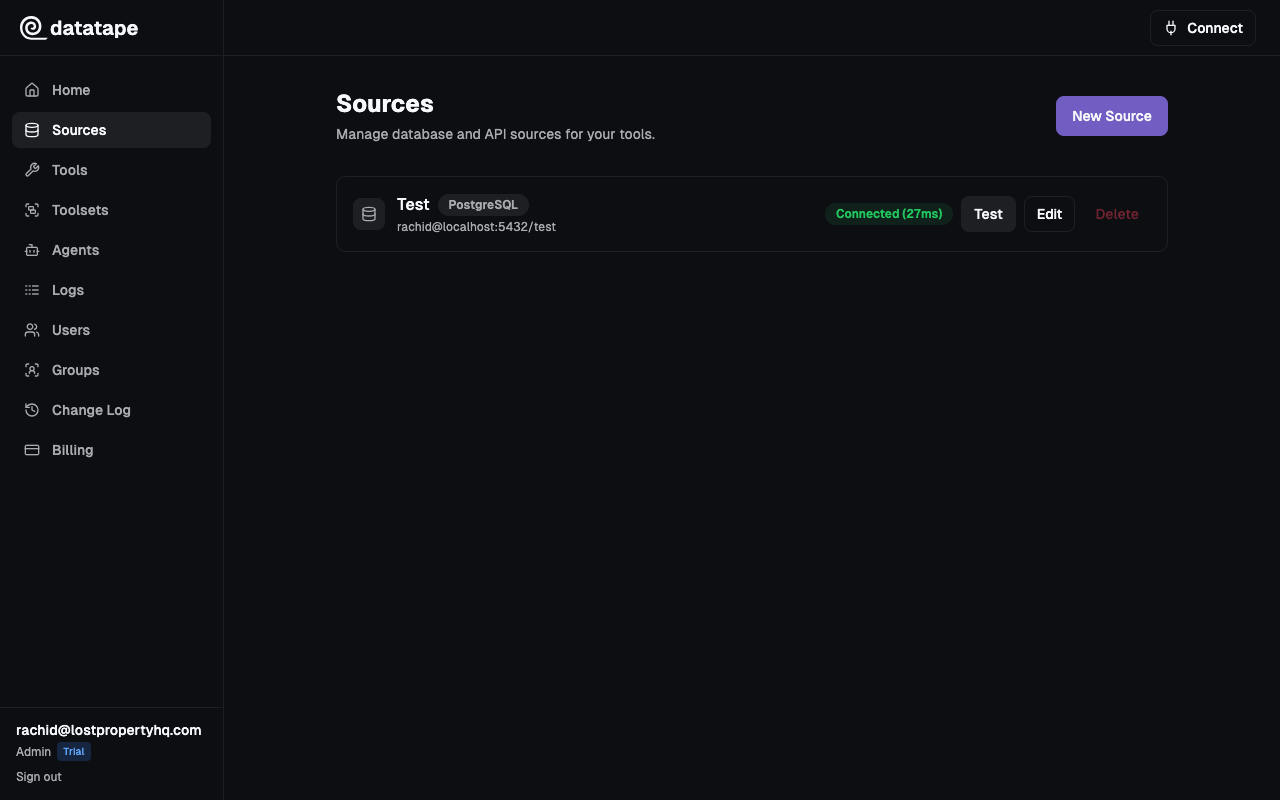
Click Test connection before saving. Datatape validates the service account credentials by running a lightweight SELECT 1 query.
Security notes
- The service account JSON key is encrypted at rest with Fernet
- Keys are never returned in API responses or exposed to AI agents
- All BigQuery connections use TLS via Google's API endpoints